How to use this preset
- Choose a video from your device.
- Review the 25 MB target and trim if needed.
- Export and check the actual output size.
Target size is preset to 25 MB and remains editable. Encoding happens locally with FFmpeg.wasm; the original video is never uploaded.
The File API, WebCodecs and FFmpeg.wasm run in this browser. Your source video is never sent to our server.
MP4 · MOV · WebM · WMVA target is a size budget, not a promise of exactly 25MB. Longer videos need fewer bits per second to fit the same budget. Fast movement, fine text, audio and MP4 overhead can change the result.
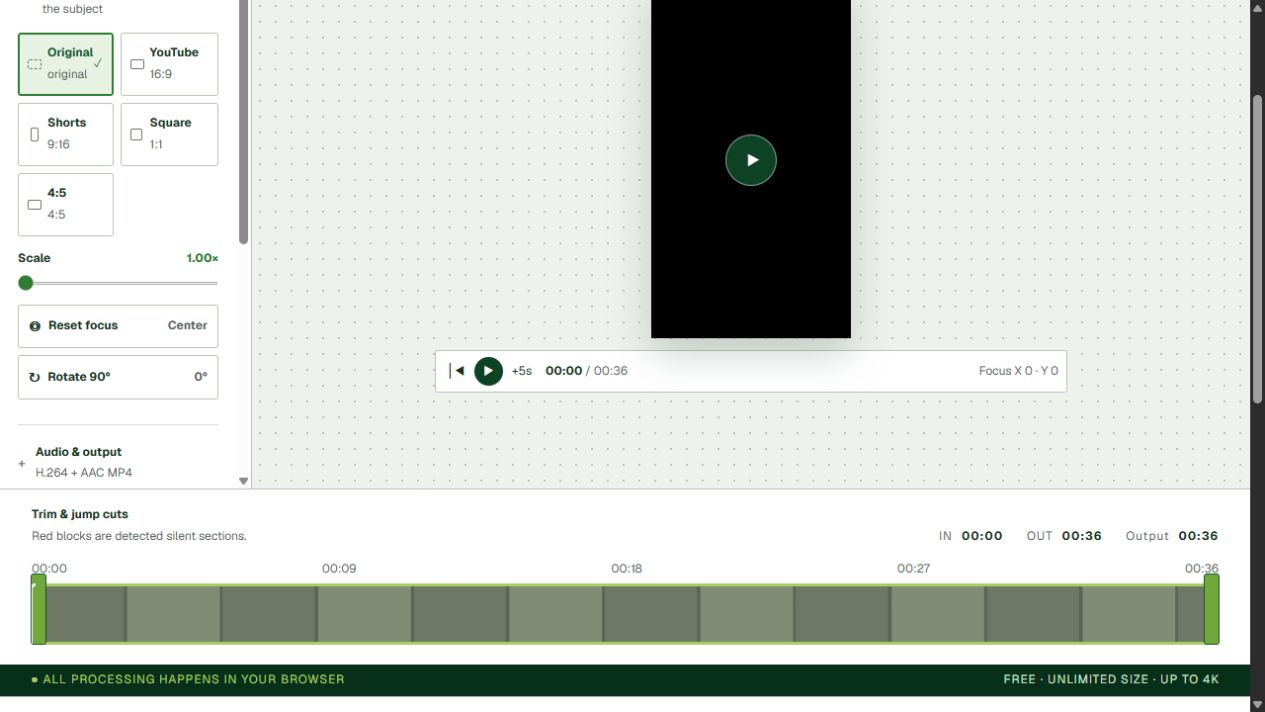
| Before | Export settings | Observed result |
|---|---|---|
| 8,837,799-byte MP4 36 seconds · 720 × 1280 · no audio | 2.1-second trim · 720p 25MB target | MP4 completed 0.1MB displayed by the editor (rounded) |
The source was already below 25MB and most of its duration was trimmed. This verifies a short export only; it does not prove a compression ratio, visually lossless quality, or that a larger file will fit. A full-length, above-25MB comparison has not yet been published.
Check the downloaded file’s actual byte size. The editor labels binary units as MB (1 MB = 1,048,576 bytes); a service may instead allow 25,000,000 bytes. For that limit, try a 23MB target to leave headroom, then check again.
No. Your browser reads and encodes the video locally. Your source video is not sent to YourVideoTool.
The file picker accepts MP4, MOV, WebM, WMV and other formats your browser or the local FFmpeg compatibility engine can decode.
Yes. Enter a target in MB or leave the field empty to use a quality preset. The result can vary because duration, motion, audio and MP4 overhead all affect the final size.
A target is an encoding budget, not an exact guarantee. Leave headroom for a strict destination limit, shorten the clip, or lower the target and export again.