How to use this preset
- Choose a video from your device.
- Enter a target size in MB or leave it on Automatic.
- Export the H.264/AAC MP4, check its actual size, and retry with a lower target if needed.
Choose an exact target size or let the browser optimize quality automatically. Your original video never leaves this device.
The File API, WebCodecs and FFmpeg.wasm run in this browser. Your source video is never sent to our server.
MP4 · MOV · WebM · WMVThis compressor has two useful workflows. Leave the target blank and choose Compact, Balanced or High quality when visual quality matters most. Enter an MB target when a destination has a file-size limit. Both workflows encode locally and create a separate H.264 MP4 download.
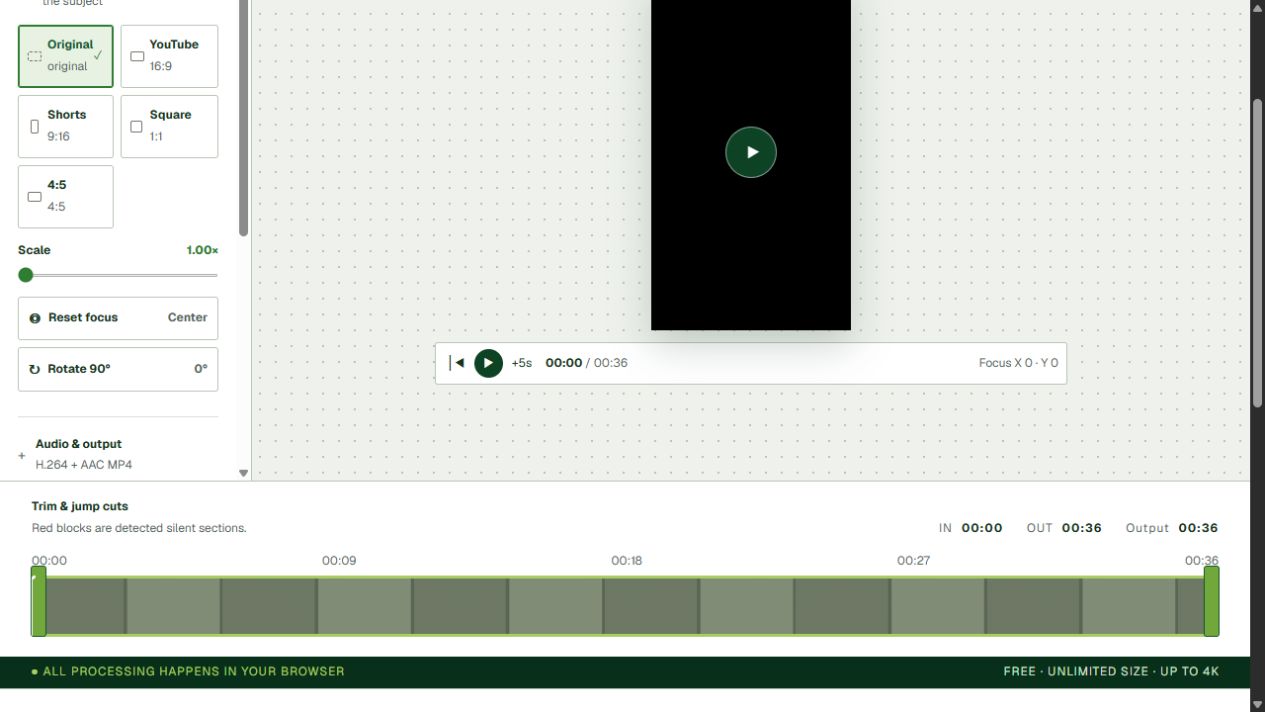
| Setting | Smaller-file choice | Trade-off to check |
|---|---|---|
| Duration | Trim unused sections | Content is removed |
| Resolution | 720p | Fine text can look softer |
| Target size | Lower MB value | Fast motion can show artifacts |
| Audio | Remove audio only when unnecessary | The result will be silent |
The final size is affected by duration, frame complexity, audio and MP4 container overhead. Treat the target as a budget, not a guarantee of an exact byte count.
No. Your browser reads and encodes the video locally. Your source video is not sent to YourVideoTool.
The file picker accepts MP4, MOV, WebM, WMV and other formats your browser or the local FFmpeg compatibility engine can decode.
Yes. Enter a target in MB or leave the field empty to use a quality preset. The result can vary because duration, motion, audio and MP4 overhead all affect the final size.
A target is an encoding budget, not an exact guarantee. Leave headroom for a strict destination limit, shorten the clip, or lower the target and export again.