DISCORD VIDEO COMPRESSOR

Compress Video for Discord

Start with an editable 25 MB target, trim if necessary, and export locally. Always confirm the current limit required by your destination.

Preset applied automatically: 25 MB · Discord
✓ No upload✓ No account required✓ Start immediately after selecting a video
▶
Drop your video hereMP4, MOV, WebM, WMV, and moreor● Nothing is uploaded
01

How to use this preset

  1. Choose a local video.
  2. Start with the editable 25 MB target.
  3. Export and confirm the file meets the destination requirement.
02

Your video stays private

The File API, WebCodecs and FFmpeg.wasm run in this browser. Your source video is never sent to our server.

MP4 · MOV · WebM · WMV

Prepare a smaller video for Discord

This page starts at an editable 25MB target. It does not claim that every Discord destination currently accepts 25MB: limits can differ by account, server, plan, app and future policy changes. Check the upload limit shown in Discord first, then choose a target with headroom.
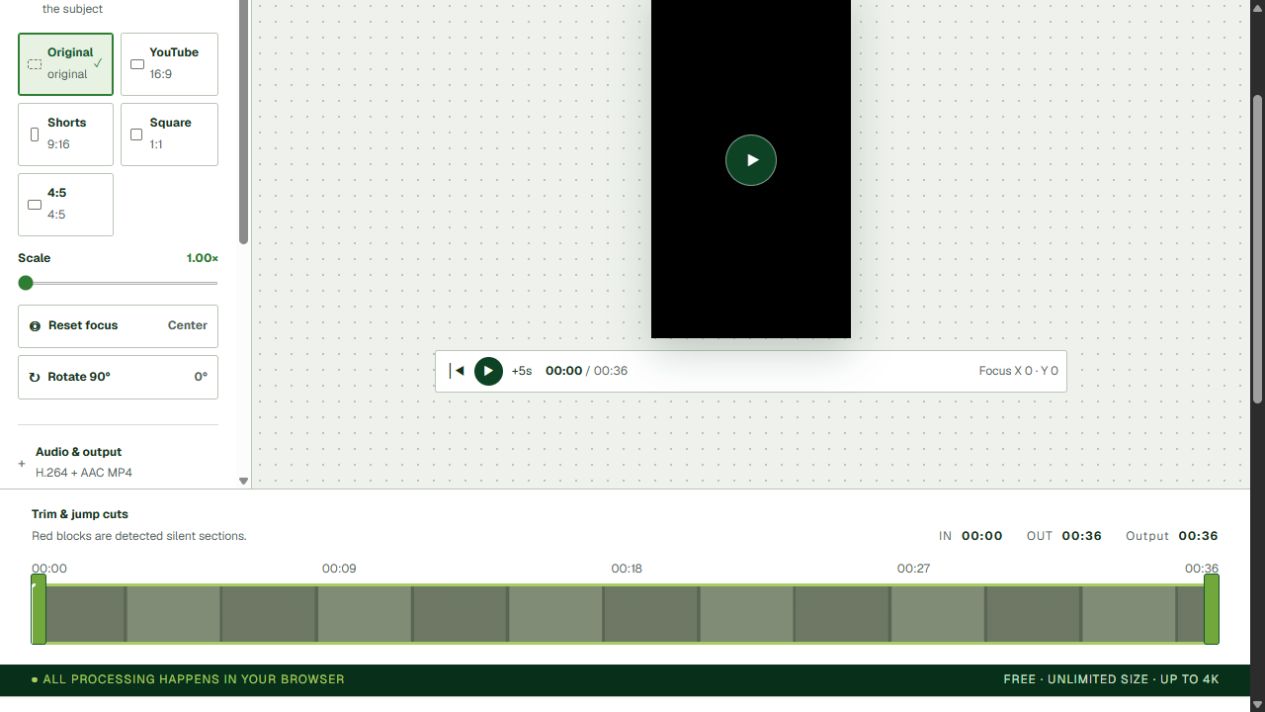
YourVideoTool Discord compressor with the editable target-size field visible
Actual local editor workflow. Use the target shown by your Discord destination and verify the downloaded file before sending it.

A reliable Discord workflow

  1. Check the maximum size displayed by the Discord channel or message composer.
  2. Select the local video and trim anything the recipient does not need.
  3. Set a target below the displayed limit. For a strict 25,000,000-byte limit, 23MB leaves useful headroom.
  4. Export the MP4 and play it locally. Confirm speech is synchronized and text remains readable.
  5. Check the downloaded file’s properties before attaching it to Discord. If it is too large, lower the target or trim more and retry.
Example — planning headroom, not a platform guarantee

Destination shows 25MB → set 23MB → export → verify the actual file is below the displayed limit.

YourVideoTool does not upload to Discord. The media stays local until you choose to attach the downloaded result yourself.

Frequently asked questions

Does Discord always have a 25MB upload limit?

No. Limits can vary by account, server, plan, app and future policy changes. Confirm the limit shown by your destination before exporting.

What target should I use for a 25MB destination limit?

Start below the limit, such as 23MB, to leave room for byte-unit differences and container overhead, then check the downloaded file before sharing.

Will the compressor remove audio?

Audio is retained unless you turn on Remove audio. Lower targets may require reducing both video and audio bitrates.

Is my Discord video uploaded to YourVideoTool?

No. Processing happens locally in your browser; only the exported file you choose to share goes to Discord.

Creator toolsEverything stays local
⇣Compress videoOpen dedicated tool→25Compress to 25MBOpen dedicated tool→◉Edit your YouTube videoOpen dedicated tool→▥Resize for ShortsOpen dedicated tool→
01Truly local processingFile APIs, WebCodecs, and WebAssembly all run in your browser.
02Every feature is freeNo file-size limit, with up to 4K, batch, and advanced tools.
03No server copyNo video upload endpoint and no account required.